Workspace Switch and Project Migration
After switching workspaces, you can migrate Standard Edition projects, and the project list supports multi-select batch import.
Entrance
- Top Menu - Workspace Switch
- Project list page
Procedure
Workspace switch and migration
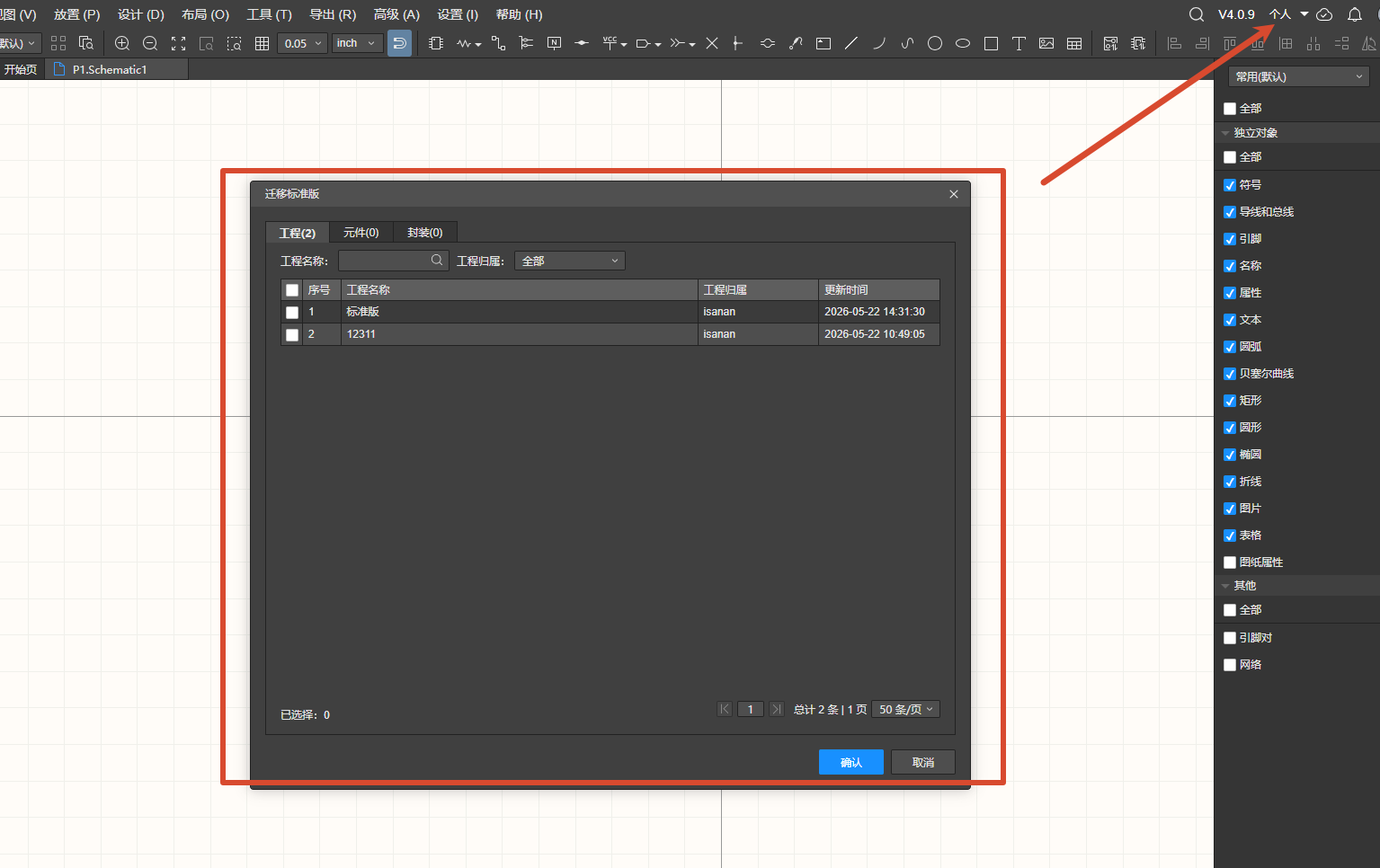
After switching the workspace, the Migrate Standard dialog opens. The list shows the owner of the workspace after the switch and the project list.
Multi-select project import
- A checkbox column is added before the row number in the project list, supporting multi-select.
- After checking the target projects, confirm, and the owner selection dialog appears.
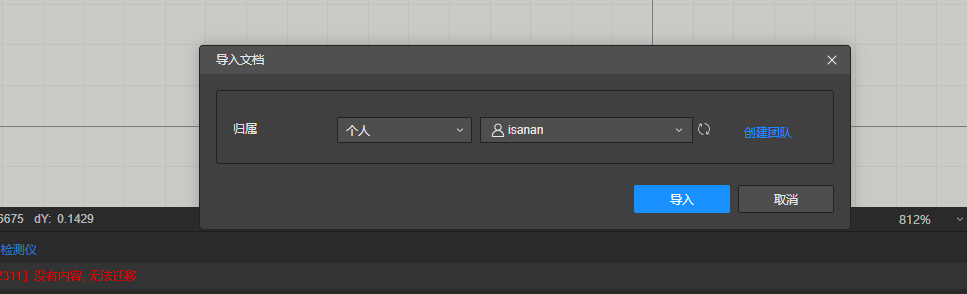
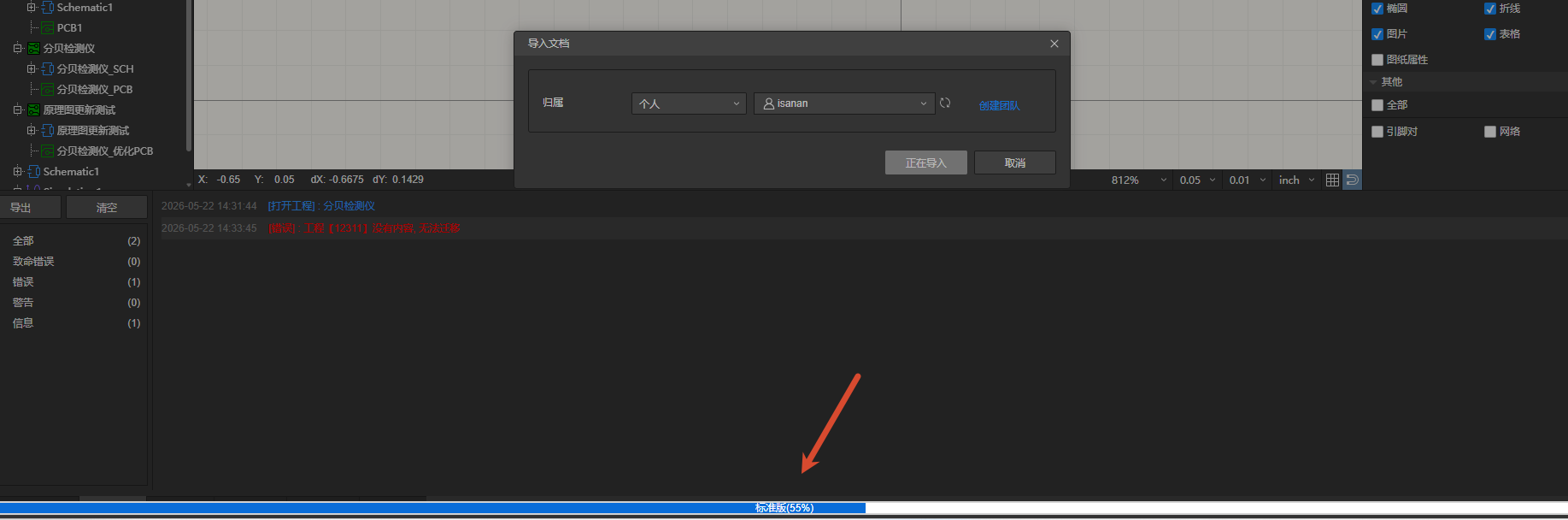
- After confirming the owner, the projects are imported one by one in order from top to bottom in the list, and the process can be interrupted midway.