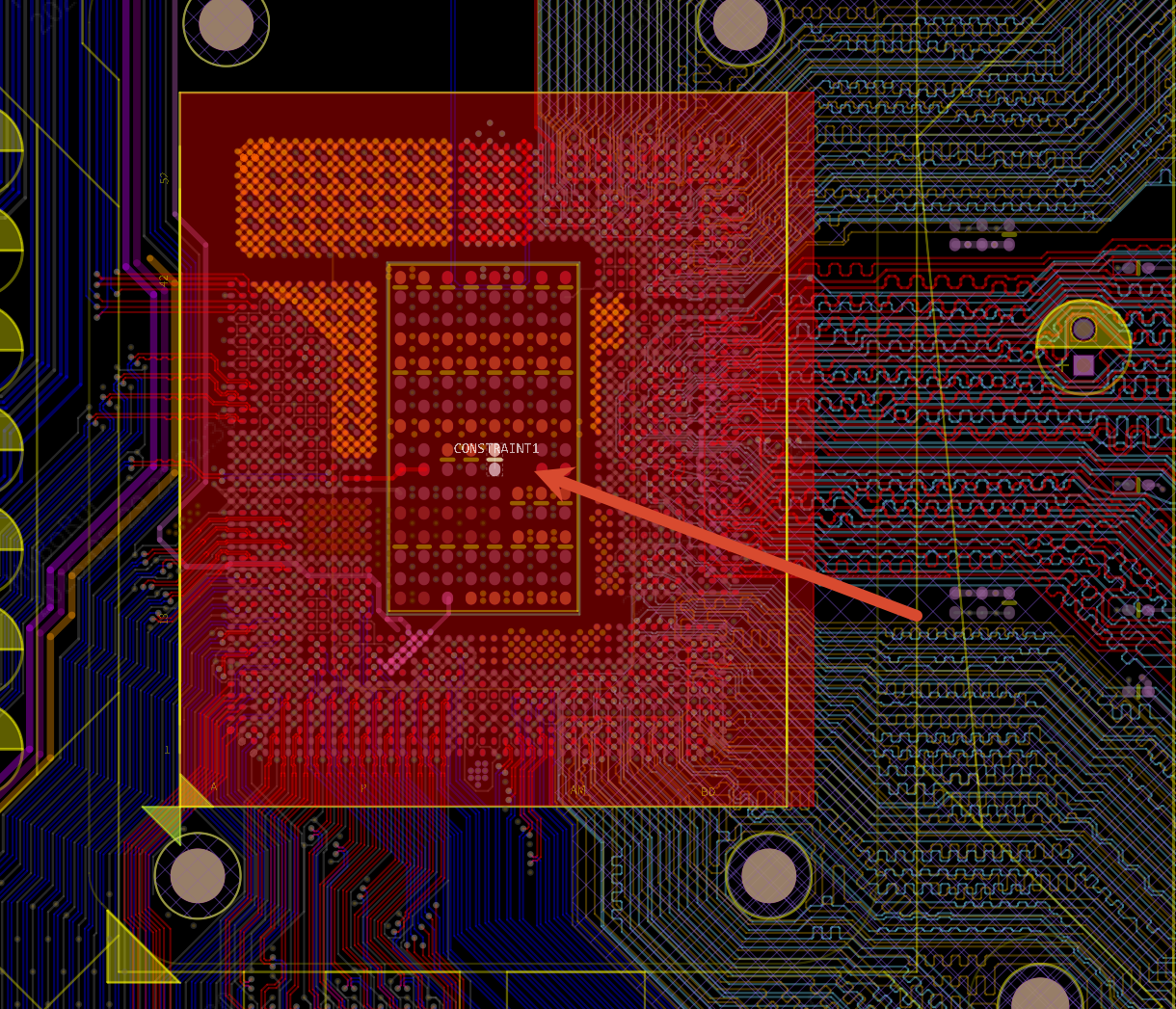
Right Panel - Primitives within Footprint
Modify the properties of primitives inside a footprint directly in the PCB, without going back to the footprint library to edit them. The modified footprint data is automatically stored in a special footprint template and does not affect other components that use the same footprint.
Entry
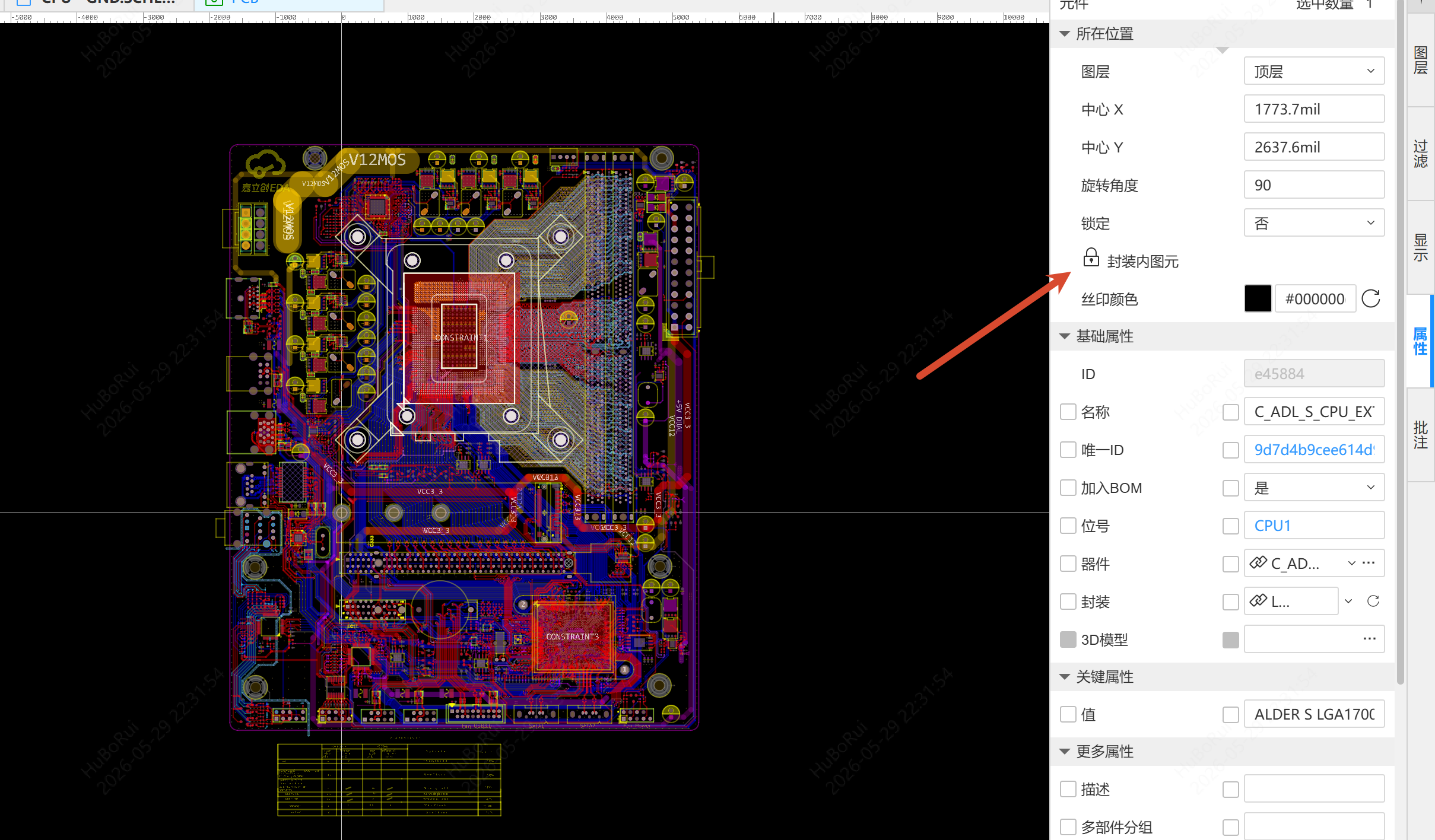
Select a component - Right Property panel - Primitives within footprint, then click the lock/unlock icon to switch.
Steps
Locked (default)
- Text inside the footprint can be selected, its content edited, and its position dragged
- Pads and vias inside the footprint can be selected but not moved
- Other primitives (fill regions, lines, etc.) cannot be selected
Unlocked
After clicking Primitives within footprint to switch to unlocked:
- Click the primitive area inside the footprint on the canvas (the corresponding type must be checked in the Filter panel); the primitive inside the footprint is selected first
- The Property panel shows the properties of that primitive and they can be edited
- Dragging, rotating, mirroring and other operations are supported
- You can switch the selection to the component with Select Overlap