Getting and Using Extensions
Getting Extensions
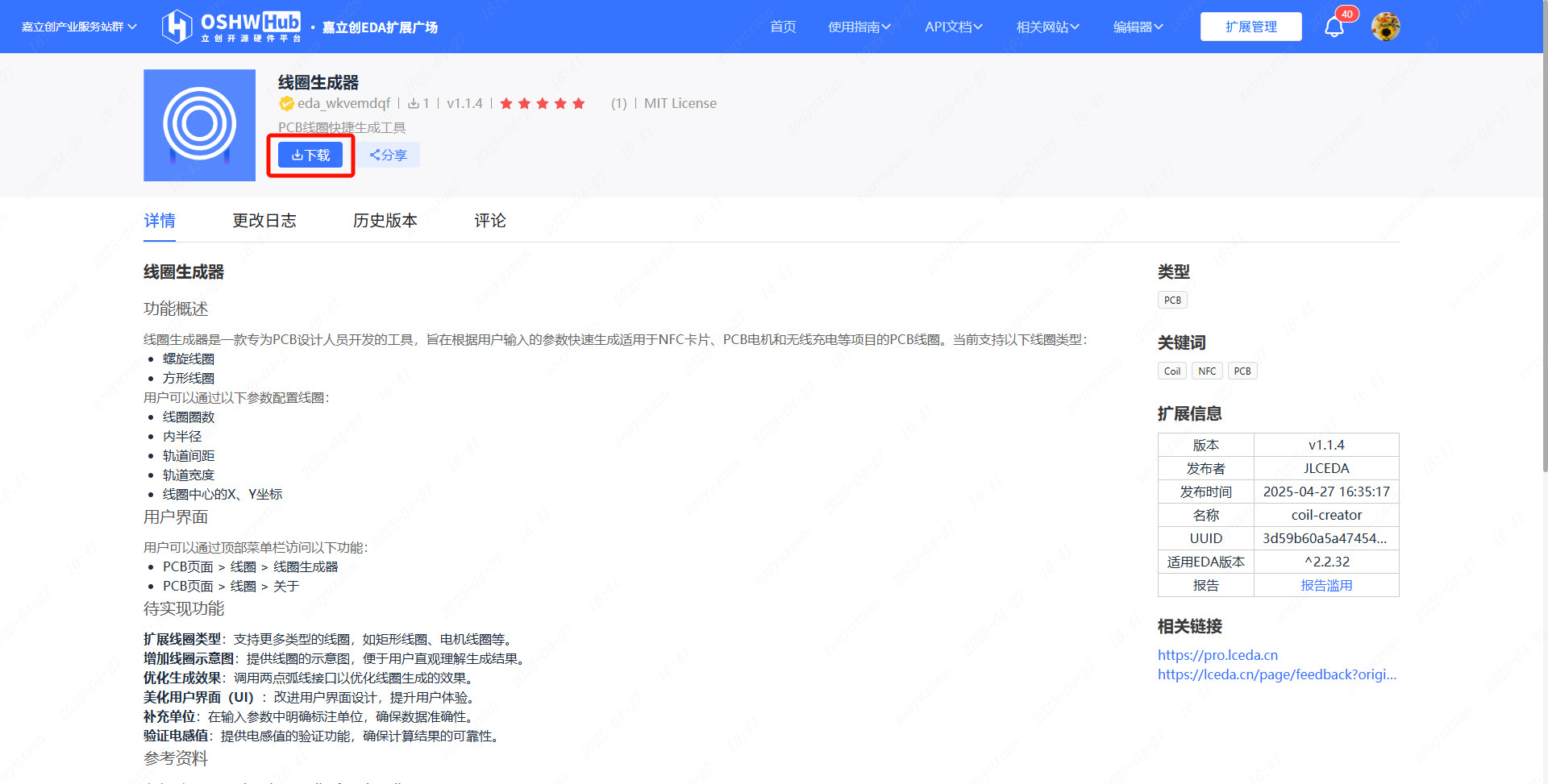
EasyEDA Pro now provides the official Extensions Marketplace, where you can conveniently obtain a wide range of EasyEDA Pro extensions provided by both official and third-party developers.
Installing Extensions
V3 Installation
Open the EasyEDA Pro Editor.
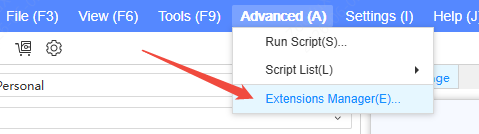
In the top menu, click Advanced -> Extension Manager:
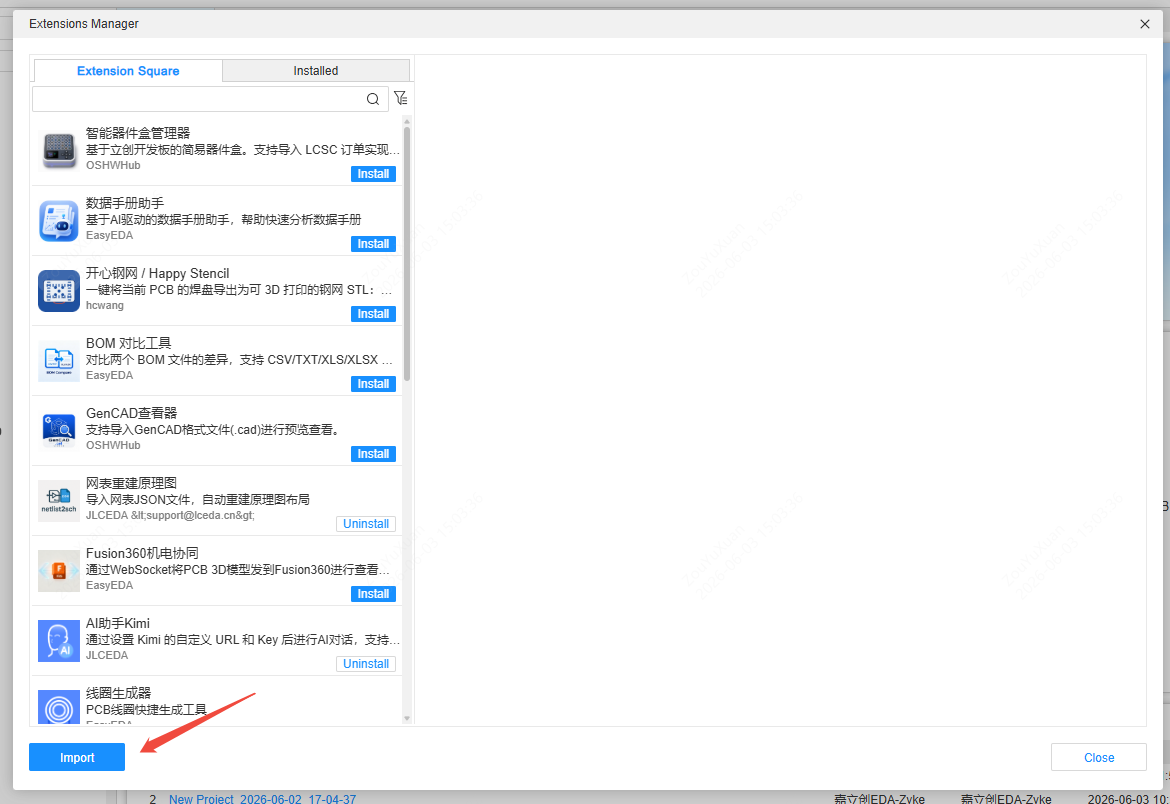
- While online, you can search for extensions and install them directly. If you already have an extension file, you can also click Import to import it:
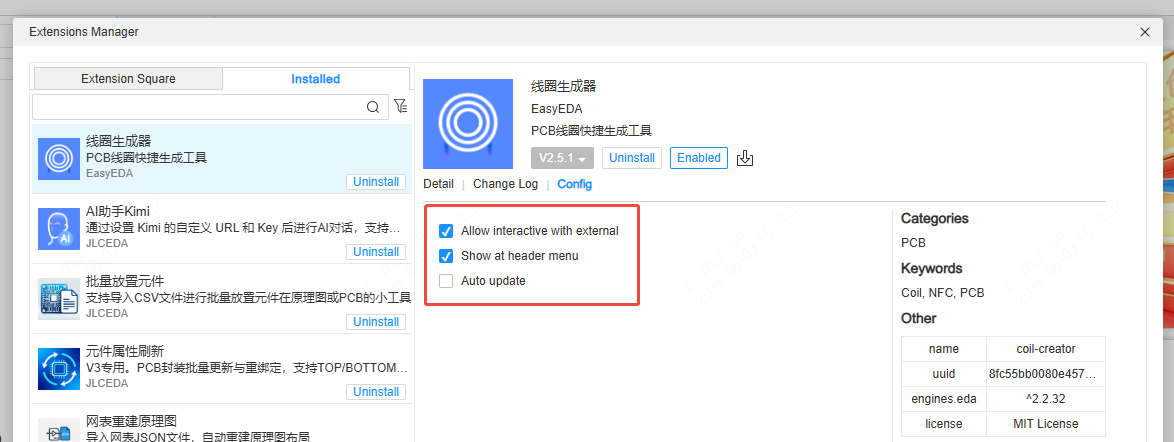
- Switch to the Installed list and click an installed extension to configure its enabled state and permissions. If Show in top menu is not checked, the extension entry will appear under the Advanced menu by default:
V2 Installation
Open the EasyEDA Pro Editor.
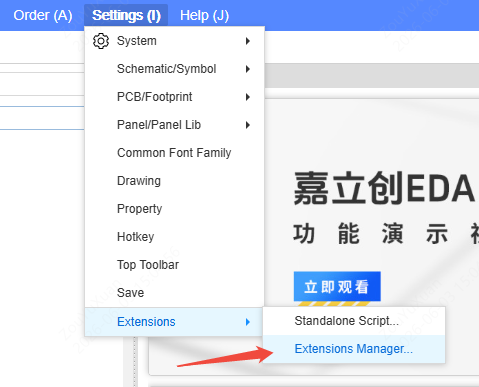
In the top menu bar, click Settings -> Extensions -> Extension Manager... in sequence:
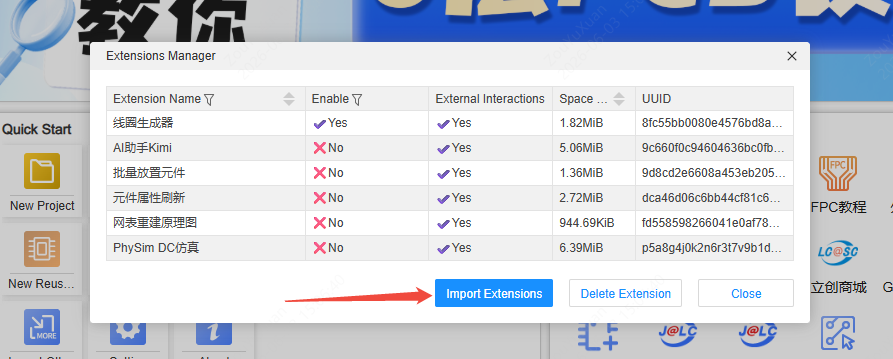
- In the pop-up window, click Import Extension, then select the downloaded
.eextfile to complete the import.
- Extension settings
Installed extensions can be enabled or disabled. The registered menu of an enabled extension will be displayed in the top menu bar:
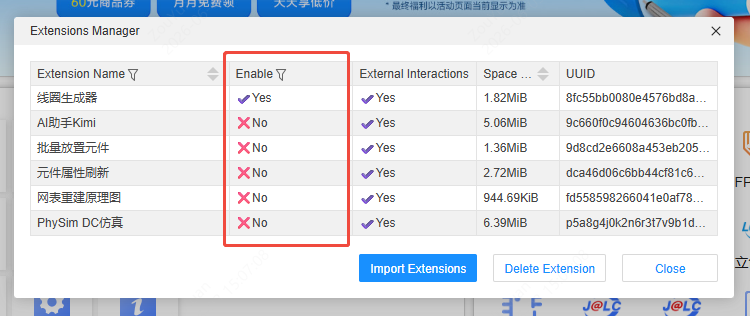
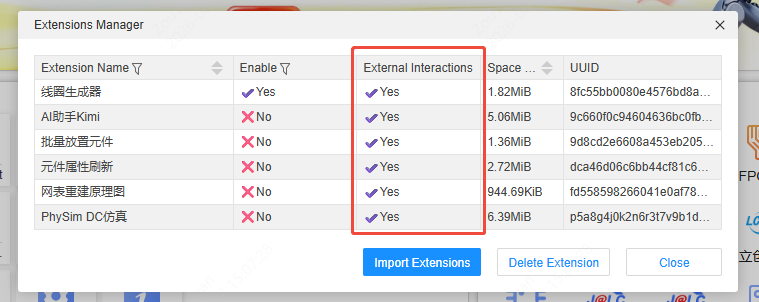
Some extensions involve external interactions, such as network access. You need to enable the extension's External Interactions permission to ensure proper operation: