Signal Timing Equal Length
Equal length can be calculated in units of time delay (ps). Chip pin delay data can be imported, and the system automatically converts between track length and time delay according to the permittivity in the Layer Stack Manager.
Entry
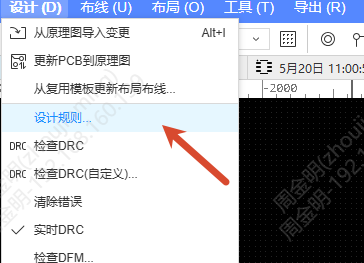
- Top Menu - Design - Design Rules - Net Length Range / Net Length Tolerance rule - switch the Constraint Mode to Delay
- The Propagation Delay attribute in the pad/via properties
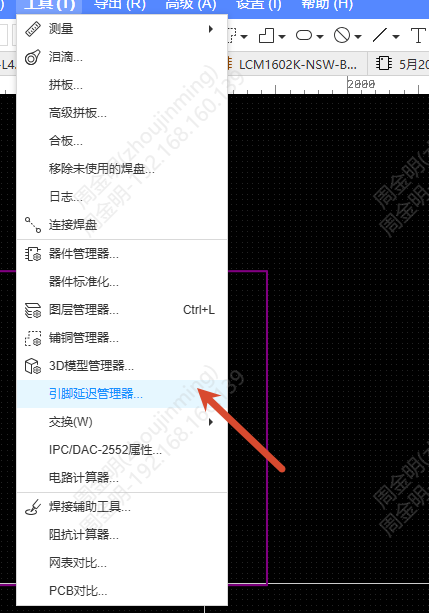
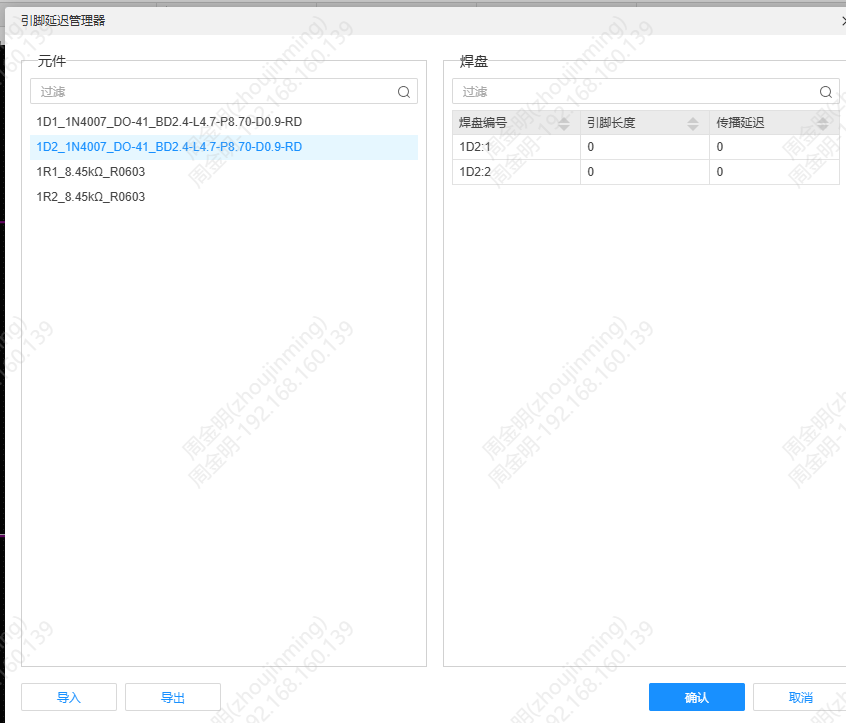
- Pin Delay Manager
Steps
Set the timing equal length rule
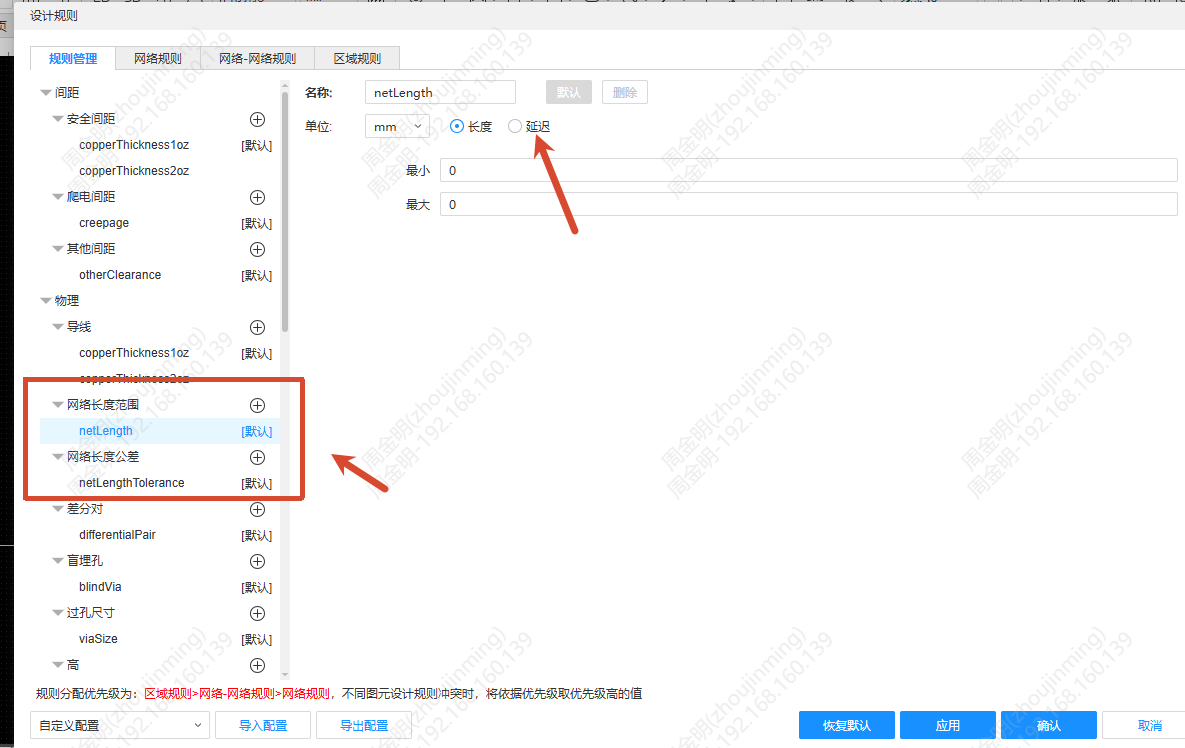
- Open Design Rules, and in the Net Length Range or Net Length Tolerance rule, switch the Constraint Mode from "Length" to Delay
- ps is added to the unit drop-down, and the unit switches together with the mode
- The Differential Pair Length Tolerance input box can be switched to the ps unit independently
Import pin delay
- Click Import in the Pin Delay Manager; CSV format is supported
- The table must contain the designator and pad number, as well as pin length or propagation delay data
- On import, values are converted automatically according to the unit and saved in ps (3 decimal places)
Set the propagation delay
A Propagation Delay attribute is added below the original pin length in the pad properties, and the same is added to the via properties. A propagation delay column is added in the Footprint Pad Manager. The default value is 0 ps.
View the equal length result
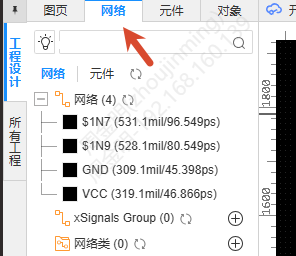
After the time delay rule is set, the equal length group, the real-time deviation display and the DRC error report all show values in ps. In the left tree, the physical length and the propagation time are both shown after the net name.