

Read-only Mode
The footprint library and the symbol library support read-only mode. In read-only mode, the menu, toolbar, shortcuts, canvas operations and panel editing are all restricted, and the corresponding message is displayed at the top.
Trigger Scenarios
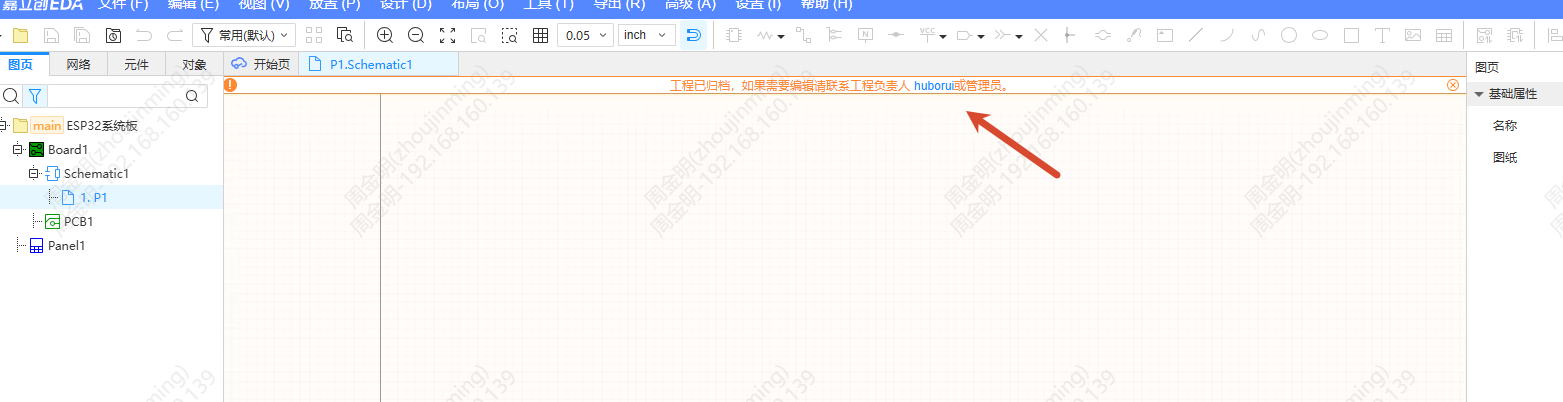
- Read-only project: When the project is archived, the top shows "The project is archived. If you need to edit it, please contact the project owner or administrator"
- No edit permission: When you are removed or have no library edit permission, the top shows "No edit permission. If you need to edit it, please contact the team owner or administrator"
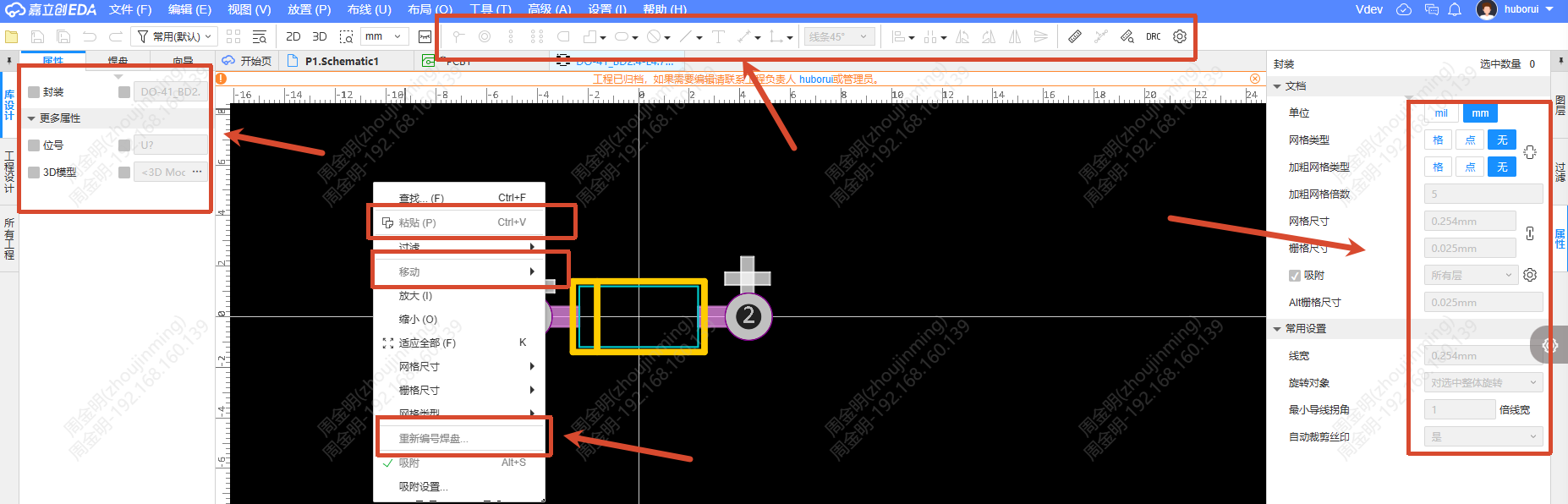
Footprint Read-only Mode
- Top menu/Toolbar/Shortcuts: Editing related functions are disabled
- Context menu: Editing related items are disabled
- Canvas restrictions: Objects and control points cannot be dragged
- Left panel: Editing items in the context menu are disabled
- Right property panel: Whether an object is selected or not, all editing items cannot be edited
- Layer panel: The layer manager entry cannot be clicked
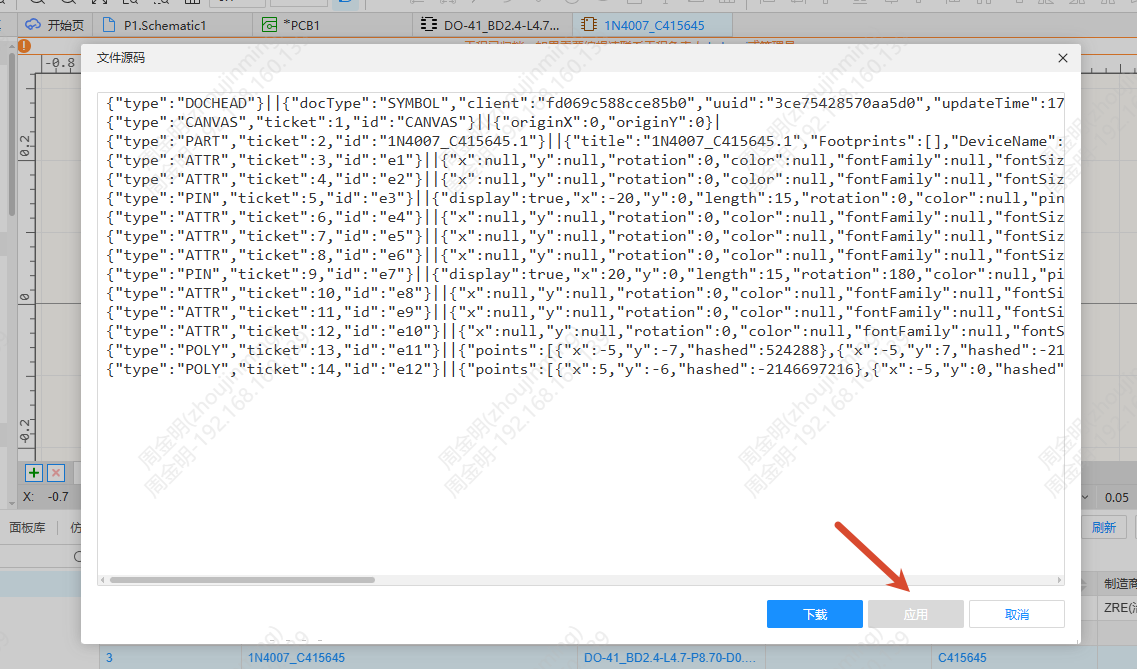
- File Source dialog: The Apply button cannot be clicked
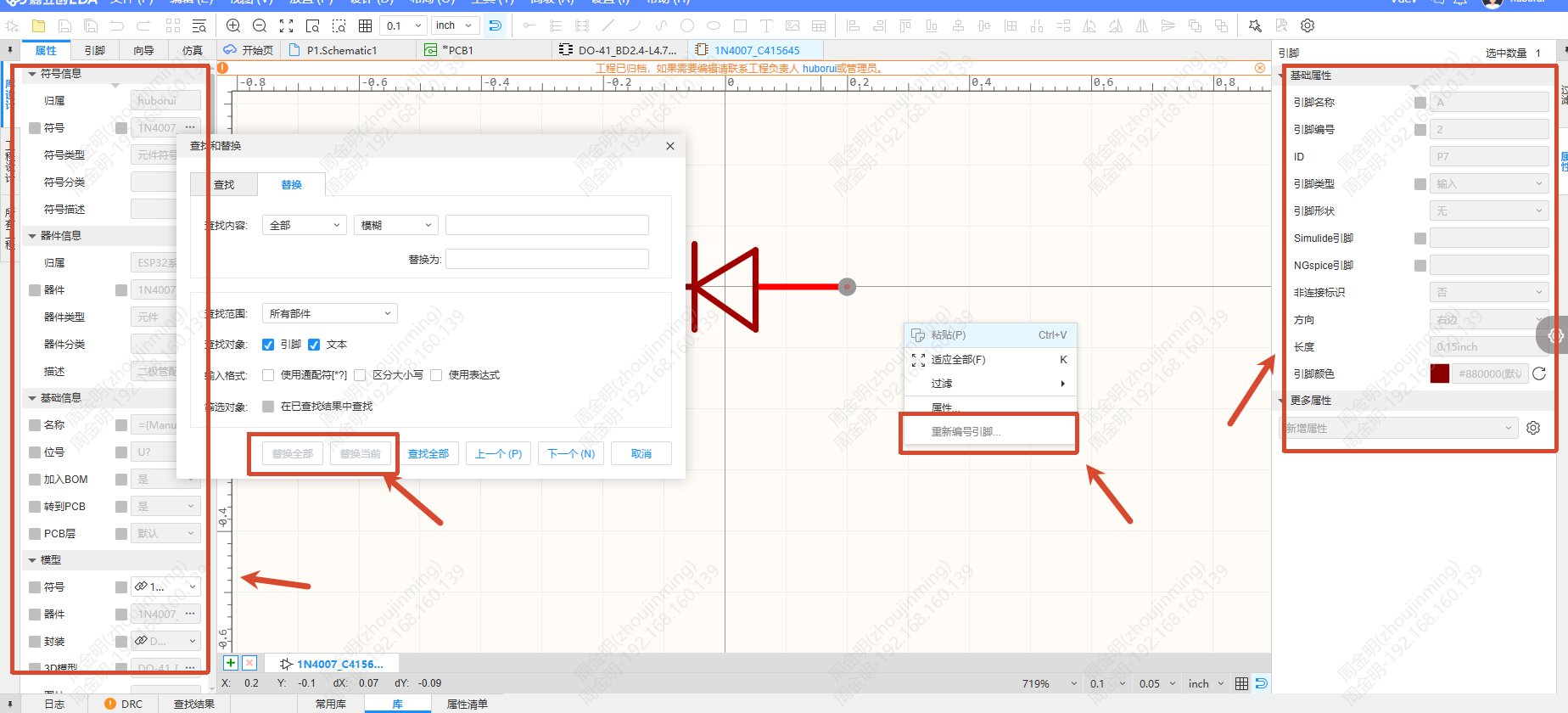
Symbol Read-only Mode
Similar to footprint read-only mode, with additional restrictions:
- File Source dialog: The Apply button cannot be clicked
- Find and Replace dialog: The Replace Current and Replace All buttons cannot be clicked
Read-only Project Library
The restrictions of read-only project and read-only library take effect at the same time. You cannot import into the current project, and netlist file related items cannot be selected.