Grid Size
grid size
Modify the size of the PCB interface grid.
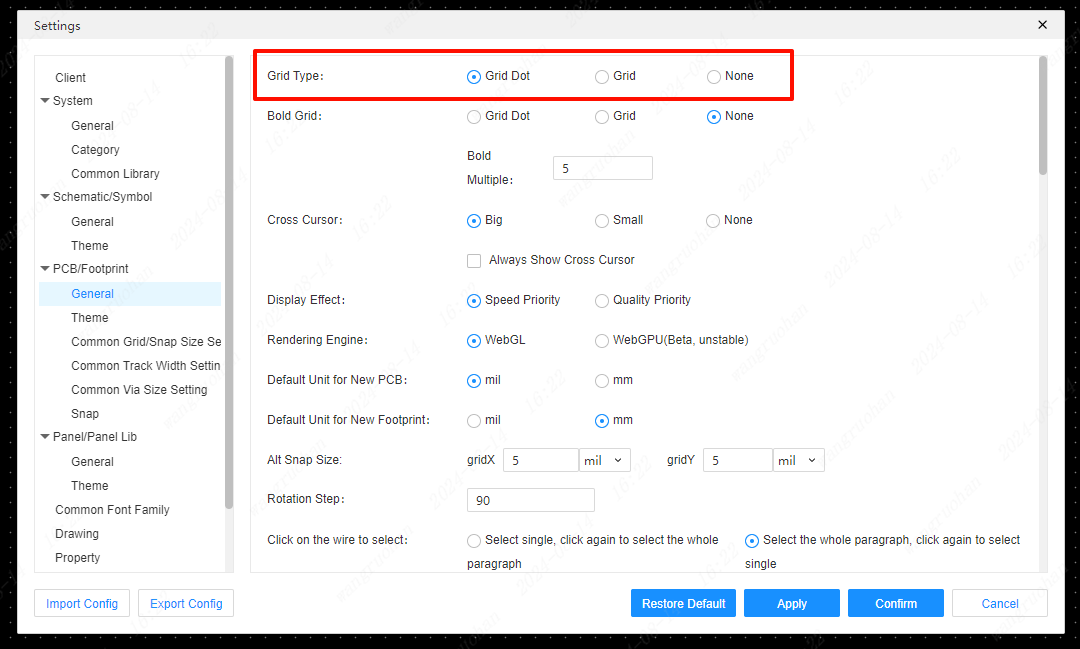
Grid switching
Toggle Grid to Grid, Dot, or None.
Modify grid size
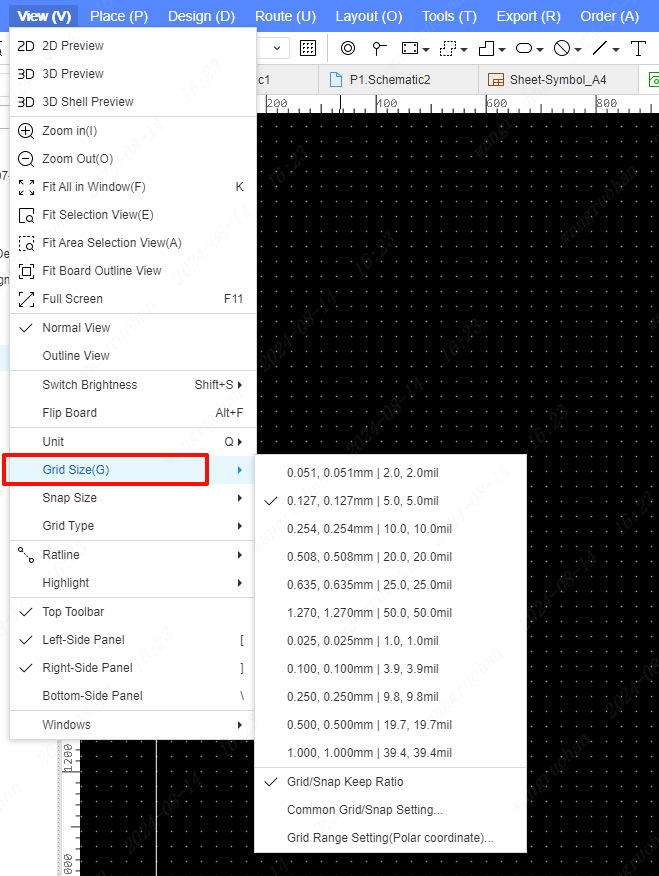
- Top Menu - View - Grid
- Right mouse button - Grid
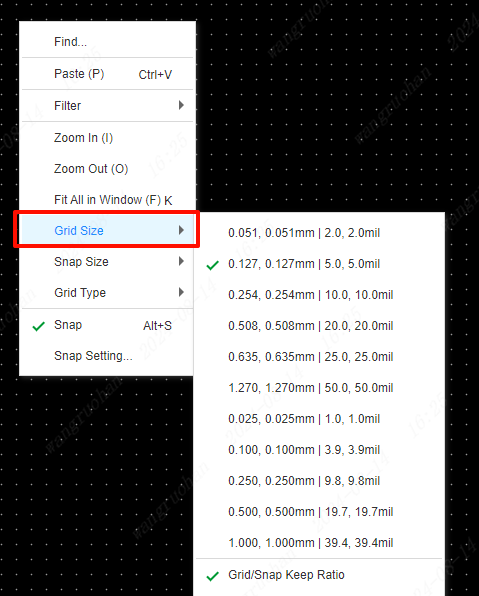
Common grid settings
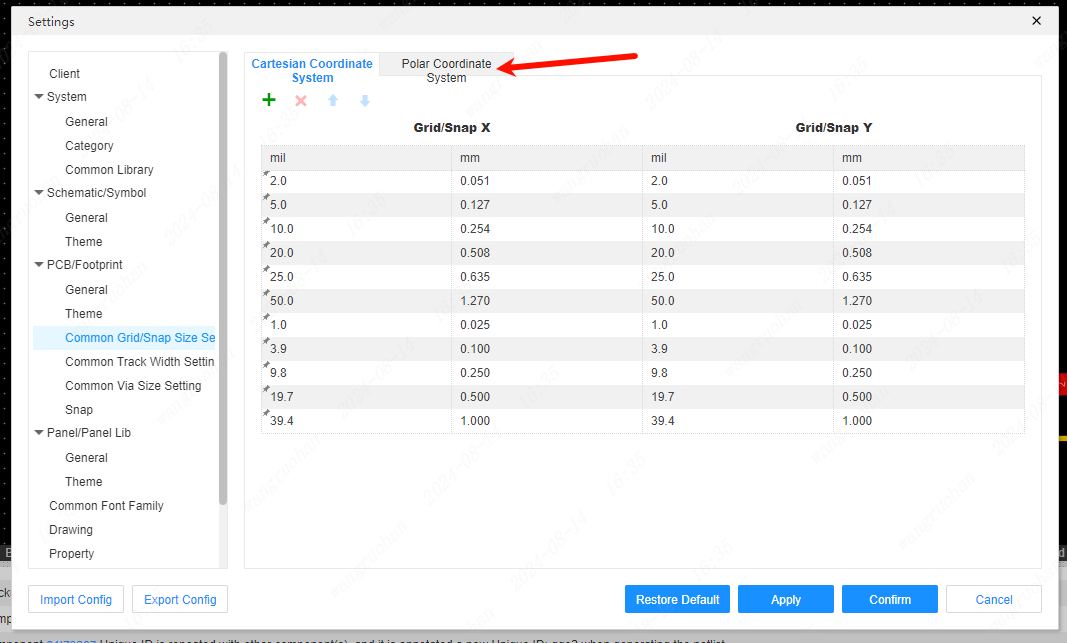
Top Menu - Settings - PCB/footprint - Common Grid Sizes
Top Menu - View - Grid - Common Grid Sizes
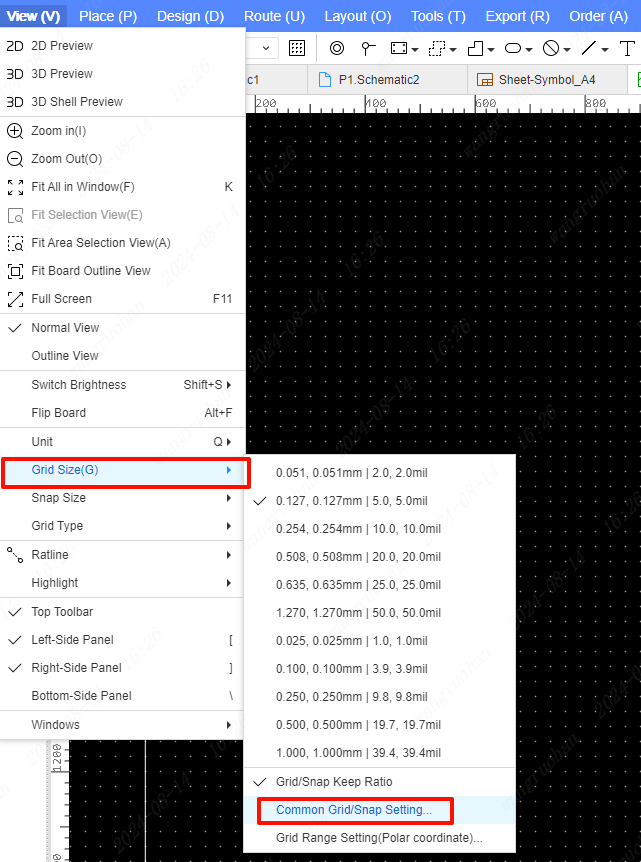
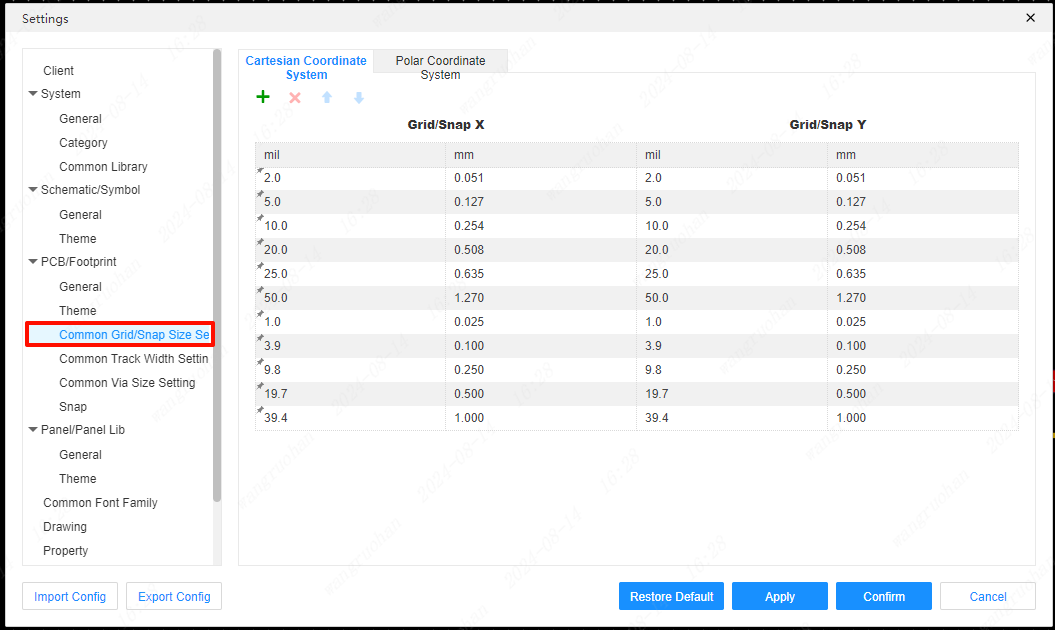
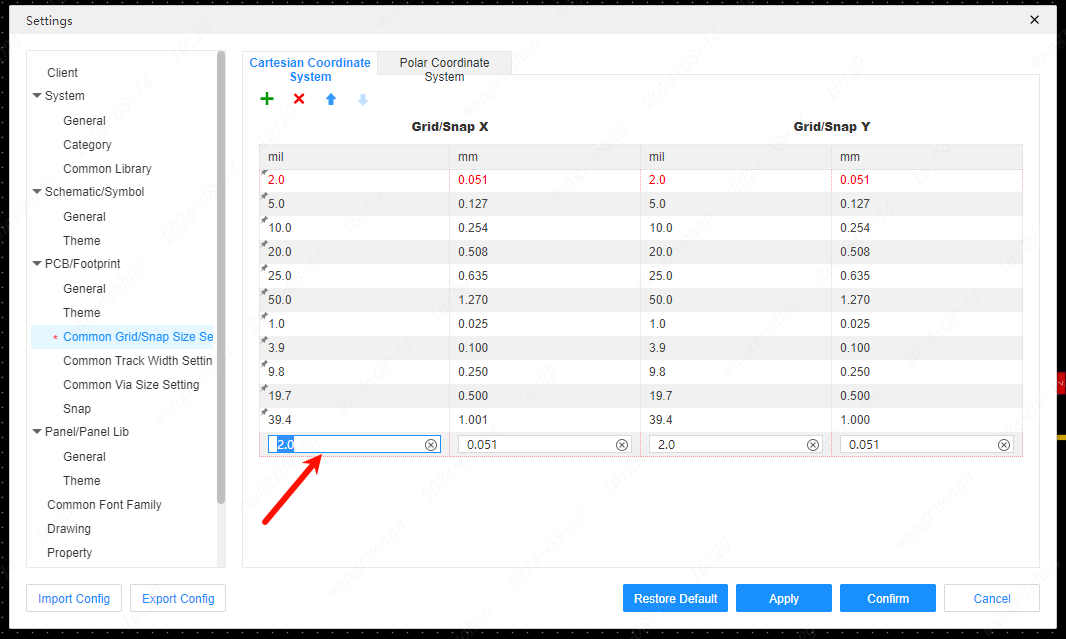
Add grid settings
In the grid settings popup, click the "+" sign at the top to add
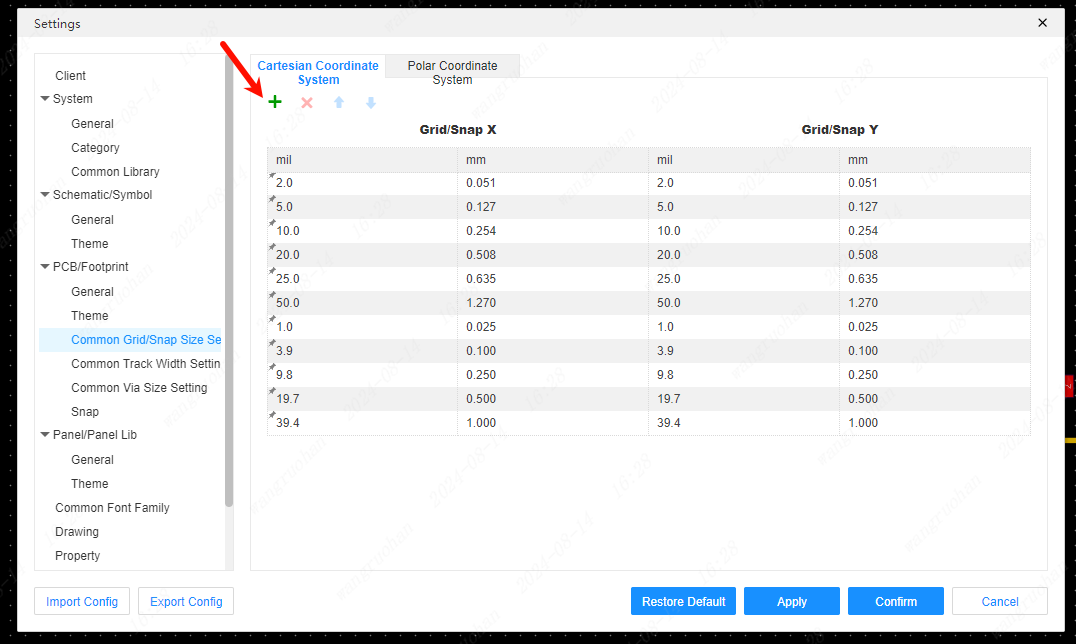
Double-click the grid property setting you just added, and click OK after modification to save the current configuration.
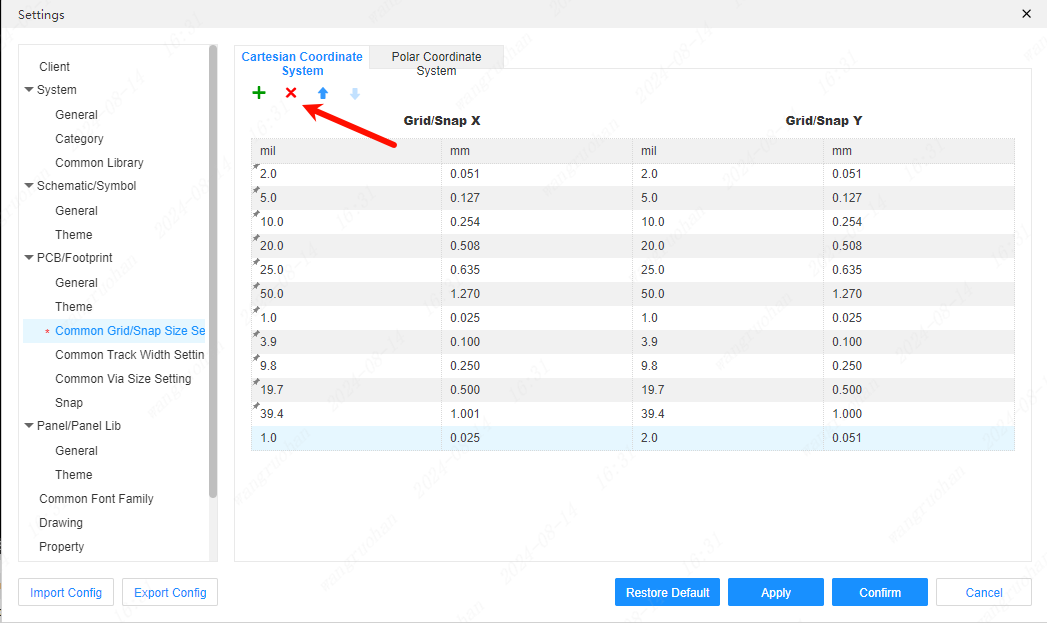
delete grid settings
Select the grid size setting you want to delete, and click the "X" at the top of the grid settings popup to delete
Polar coordinate system
Polar grid size list
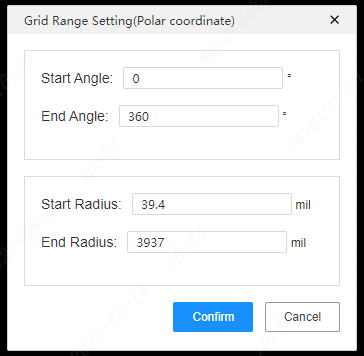
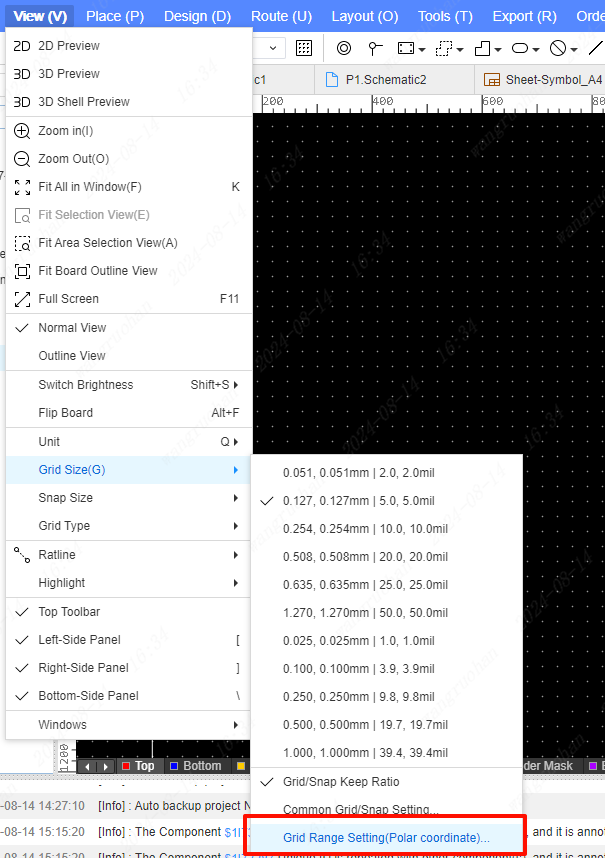 Supports setting the range size of polar coordinate system